
Codes and the Report Wizard
When you use the Report Wizard to run a report, you can select the codes that you want the system to use.
The report groups and sub-totals the information in the order in which you list the codes.
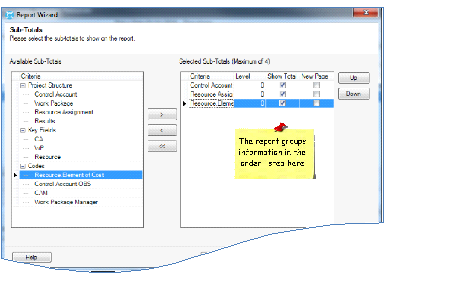
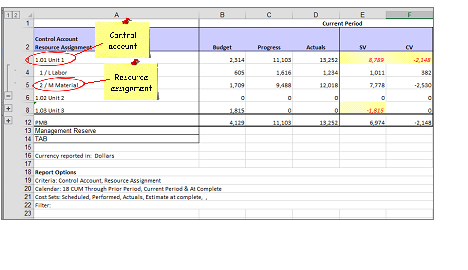
In the example below, the report lists the information by control account and then by resource assignment:
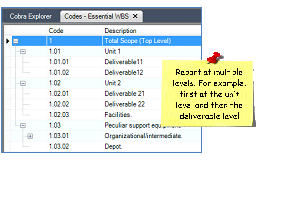
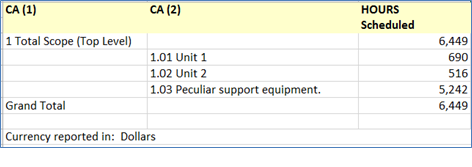
When you run a report using a hierarchical code such as the WBS, you can report at multiple levels.
Example of a Report with Multiple Levels
Learn more about...
Sub-Totals Page of the Report Wizard